
Send a gift in four simple steps
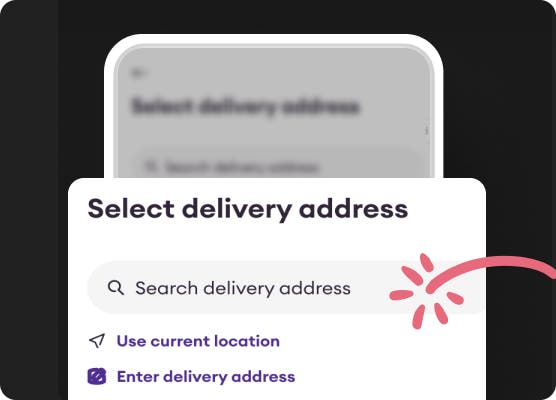
Add their address
Select from your saved addresses or add a new one.
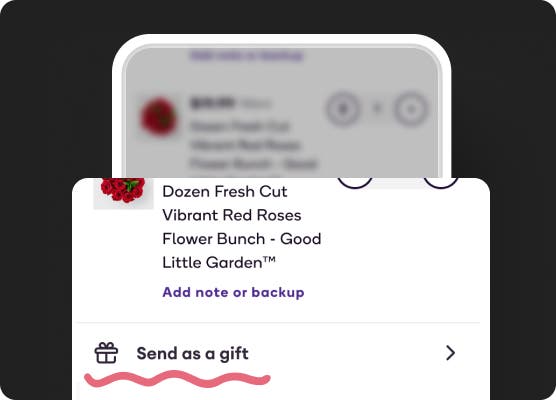
Build your cart
Shop for gifts they’ll love. Then, select “Send as a gift” in your cart or at checkout.
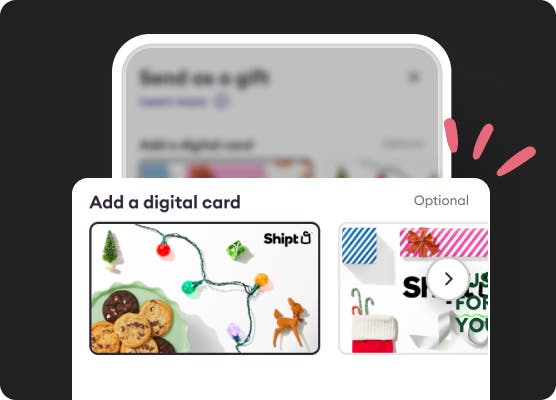
Personalize your message
Choose a digital card, enter their phone number, and add a thoughtful message.
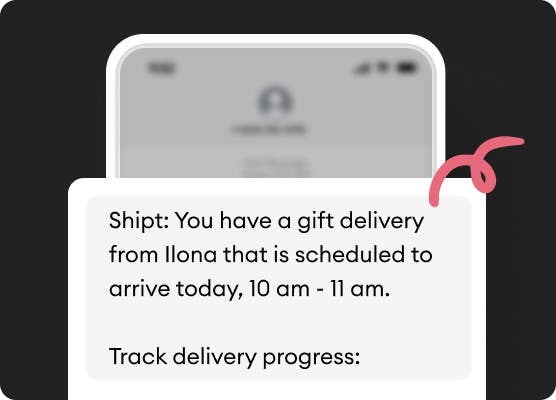
We’ll take it from here
We’ll text your gift recipient so they can track their gift delivery.
Something for every occasion
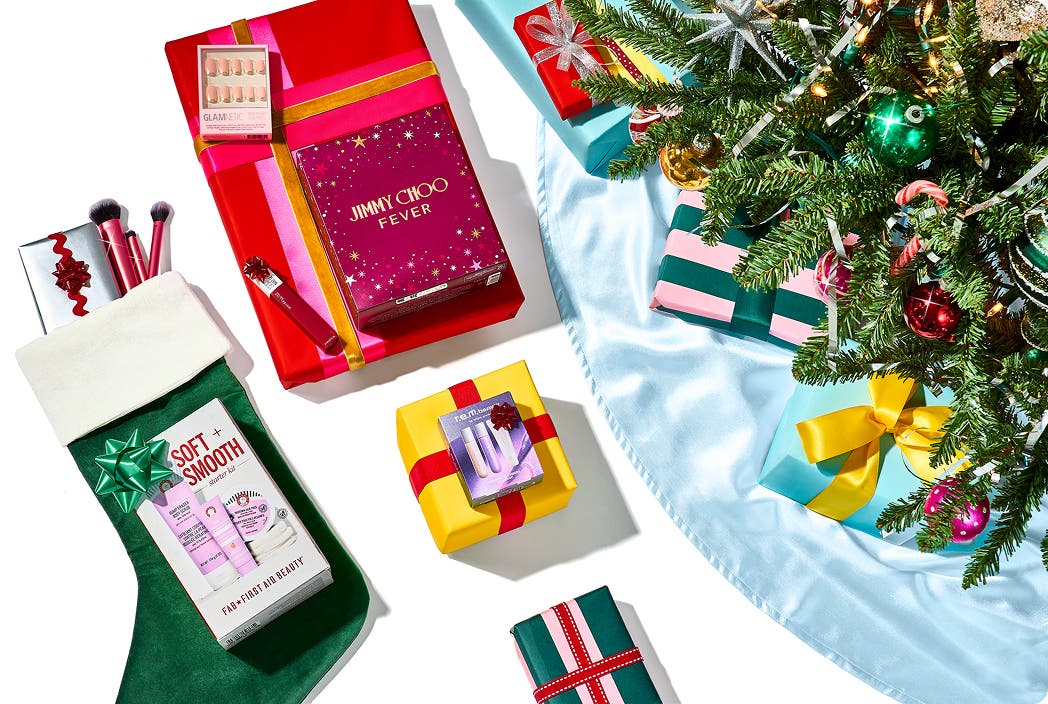
Send holiday cheer
Order a gift for any holiday with same-day delivery.

Show you care
Send a thoughtful pick-me-up or get-well-soon care package with Shipt.
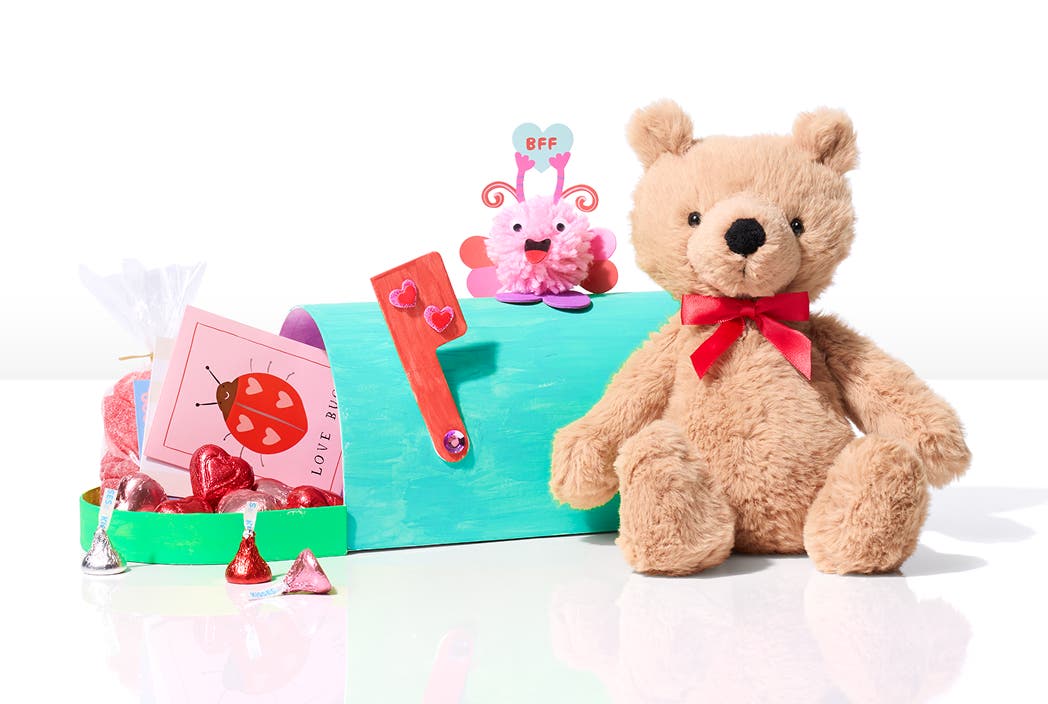
Be there, even when you can’t
Show up for the big moments like a new home, anniversary, or birthday with a gift delivery.

Don’t wait on shipping
With Shipt Gift Delivery, your gift can arrive the same day you order.
Order a gift for any holiday with same-day delivery.
Shop your favorite stores in
Questions? We're here to help.
Find answers about using our gift delivery feature or gift cards.
Still looking for an answer to your question? Check out our full Gift Delivery FAQs and Gift Card FAQs.
Yes! Simply update the delivery address to the recipient’s address and build your cart. Next, tap Send as a gift at checkout and enter the recipient’s name, phone number, and any card or message that you’d like to include. The recipient will receive a text message when the order is submitted and when it has been successfully delivered. Please keep in mind that the shopper may reach out to you while shopping for the order with any questions about out-of-stock items.
Before building your cart, make sure to update the delivery address to the recipient's address. Once you’re ready to check out, tap Send as a gift on the Checkout page and enter the recipient’s name, phone number, and any digital card or message that you’d like to include.
The option to select Send as a gift is available on both the Cart page and the Checkout page.
Yes! You can choose to add a personal message and a digital card. These will be sent to the recipient via text message when the order is placed.
The shopper will reach out to you, not the recipient, with any questions about substitutions or out-of-stock items. The recipient will receive an automated message when their order is submitted and when it has been successfully delivered.
If your gift delivery includes alcohol or other age-restricted items, such as cold and flu medicine containing dextromethorphan, the recipient must present a valid ID at delivery. They’ll receive an automated message letting them know to have their ID ready after the order is submitted.*
*Note: Alcohol cannot be gifted in Idaho due to state laws.
If someone sends a gift delivery to your address, you’ll receive a text message when the delivery is placed that includes a link to view:
The sender’s name.
The estimated delivery window.
Real-time tracking of the shopper’s location when the shopper is on the way.
Any personal message or digital card included by the sender.
- If you are an existing user, gift cards can be redeemed by entering the code received via email on either your digital wallet, available under Account settings, through the Shipt app, or on shipt.com.
- If you are new to Shipt, you will need to create a Shipt account to redeem your gift card.
- Gift cards can be redeemed as Shipt value, which can be used toward your orders on shipt.com or the Shipt app.
- Shipt membership gift cards can be redeemed for the membership you were gifted (either a 12- or 6-month membership). Shipt membership gift cards may only be redeemed by new subscribers, and may not be added to an existing membership.
Gift card value never expires.
- If you have not received the email or code within 24 hours, please call our customer support at (205) 502-2500 to get help right away.
- The sender’s email receipt will have the gift card code that can be used to redeem the gift card if the email was not received.
- Non-Transferable: Gift cards are usually non-transferable and can only be used by the person to whom they were issued.
- No Cash Redemption: Gift cards cannot be redeemed for cash.
- If an item is bought using credits that were redeemed from a gift card, and the user wants to request a refund for that order, the refund will be issued only as credits.
- Refunds cannot be issued to any other payment method.
- Purchase restrictions: Gift cards can't be used to purchase alcohol, for the cost of a Shipt membership, or towards a shopper tip.
The credits will automatically be applied at checkout. If the total of the order is less than the available gift card credits, the remaining credits will be applied to your next order.
Only non-alcoholic beverages can be purchased with a Shipt gift card.
Gift card value cannot be used to tip shoppers.
At the moment you can only use gift cards on shipt.com and the Shipt app. You can shop Target through the Shipt app and use the credits in that order.
The 12-month and 6-month Shipt gift membership include $0 delivery fee on all orders $35+*, personalized shopping with the ability to add your favorite shoppers to your Preferred Shoppers list, exclusive deals and discounts, 24/7 customer service, and more members-only perks throughout the year. You can also take advantage of other Shipt benefits – try setting Dietary Preferences or adding Special Requests and backups to help shoppers find exactly what you ordered.
*Note: Deliveries under $35 with a membership will incur a $7 fee. All orders with alcohol (where available) may incur a $7 alcohol fee. Service fees may apply and will vary by retailer and location. See Terms of Service
- You can gift a Shipt Annual Membership (12 months) for $99, or a 6-month membership for $49. You can shop as often as you want and get unlimited same-day deliveries.*
*Note: Shipt membership fees and one-time delivery fees vary by market. Deliveries under $35 with a Shipt membership will incur a $7 fee. All orders with alcohol (where available) may incur a $7 alcohol fee.